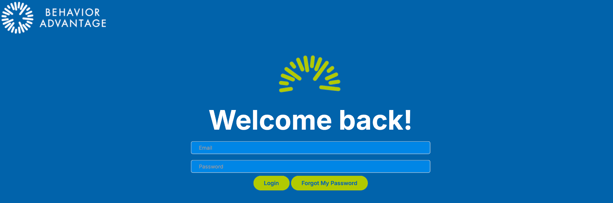
Login to Behavior Advantage
- Go to www.behavior-advantage-apps.com
- Use your district or company email address as your Username
- Enter the Password you created from the initial welcome email
- Click Login
Resetting a Password
- Go to www.behavior-advantage-apps.com
- Click on Forgot My Password
- Enter your district or company email address as your Username
- Use the email sent to your district or company email to reset your Password
- Click Login