Create New Students
- From the Welcome panel (click BA logo), select the Student Supports tool.
- Click on the Create New Student button in the top-right of the homepage.

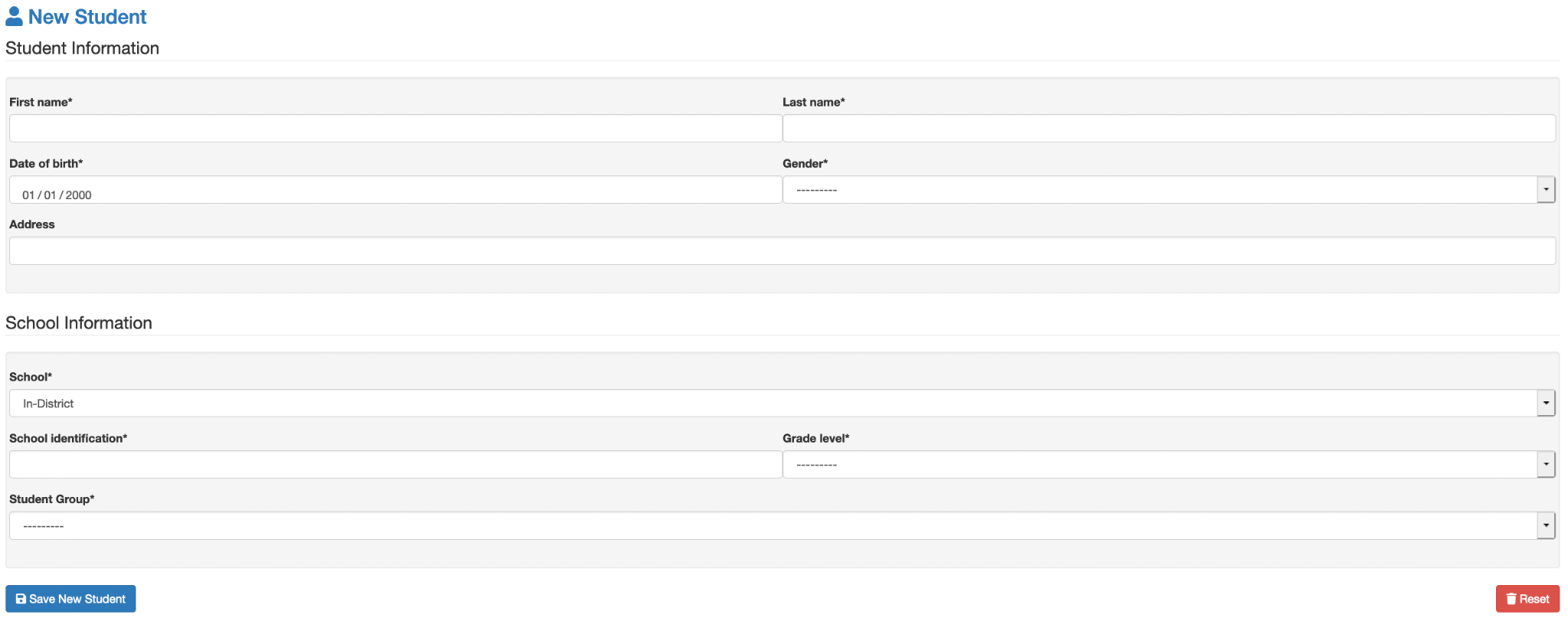
- Enter Student Information in the fields provided and click Save New Student at the bottom of the screen.
- Student Group is a required field for users with a Group Access profile. If the Student Group is required, this group must be added before creating a new student. (*Click Next Student Group Management below for more information.)