
To Create a New Student file:
- From the Navigation Menu, open the Student Supports tool.
- Click Create New Student in the upper-right corner of the page.

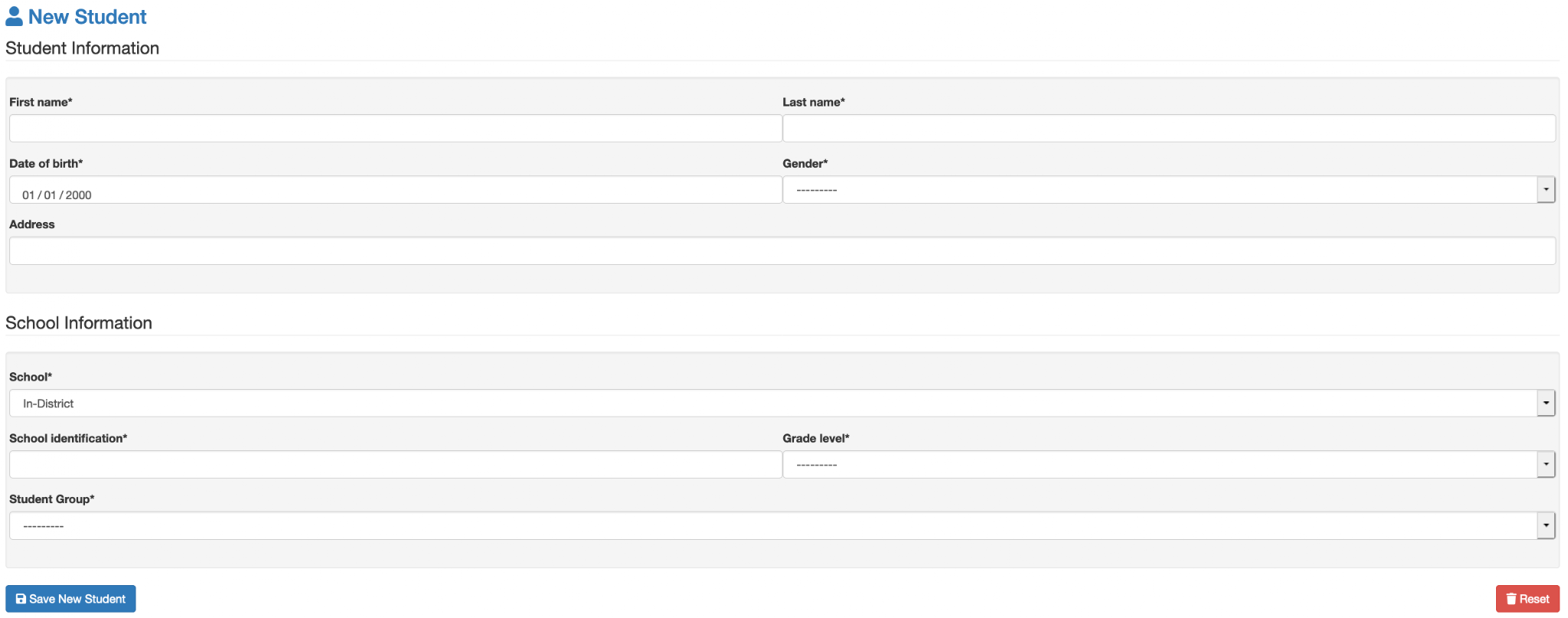
- Enter the student's information in the fields provided, then click Save New Student.
- Student Group (Group Access Users)
- For users with a Group Access profile, Student Group is a required field. If the appropriate Student Group has not yet been created, it must be added before creating the student.
Next: See Student Group Management for instructions on creating and managing Student Groups.